SCIM Provisioning: What It Is and When You Need It
What Is SCIM?
SCIM stands for System for Cross-domain Identity Management. It's an open standard (RFC 7643/7644) that automates user provisioning and deprovisioning between an identity provider (IdP), like Okta, Microsoft Entra ID, or JumpCloud, and third-party applications like yours.
In plain terms: SCIM is the protocol that lets a large company's IT department control who has access to every tool their employees use, without logging into each tool individually.
What does SCIM actually do?
When SCIM is configured between a customer's IdP and your app:
- A new employee is added to the IdP - their account is automatically created in your app and added to the right organization
- An employee is updated (name change, role change, department change) - your app reflects those changes automatically
- An employee is offboarded - their account in your app is disabled or removed without any manual action
This automation reduces IT overhead, eliminates stale accounts, and keeps your app's user data in sync with your customer's directory.
SCIM vs. SAML vs. OIDC: What's the Difference?
These three terms come up constantly in enterprise auth, and they're easy to conflate. SAML and OIDC both handle authentication (who can log in), while SCIM handles provisioning (who exists in your app).
| SAML | OIDC | SCIM | |
|---|---|---|---|
| What it does | Authenticates users via XML-based SSO | Authenticates users via OAuth 2.0-based SSO | Provisions and deprovisions user accounts |
| When it runs | At login time | At login time | Continuously, in the background |
| Trigger | User clicks "Sign in with SSO" | User clicks "Sign in with SSO" | IT admin adds/removes/updates a user in the IdP |
| Controls | Who can log in | Who can log in | Who exists in your app |
| Common with | Okta, Entra ID, JumpCloud | Google, Okta, Entra ID | Okta, Entra ID, OneLogin, JumpCloud |
SAML is the older, more widely deployed standard and tends to be the default expectation in enterprise security questionnaires. OIDC is newer and simpler to implement, and is increasingly common, particularly with Google and modern IdP configurations. SCIM is the layer that sits on top of either one: once a user is provisioned via SCIM, they log in using whichever of SAML or OIDC their organization has configured.
PropelAuth supports all three, and they're built to work together.
Do You Actually Need SCIM?
If your product is aimed at small teams or individual users, probably not yet. But if you're selling to mid-market or enterprise companies, you'll almost certainly hit this requirement during a sales cycle.
SCIM tends to become a hard requirement when:
- Large organizations need to onboard hundreds of employees without creating accounts manually
- High-security environments require immediate deprovisioning as a compliance control (SOC 2, HIPAA, and similar)
- Enterprise security questionnaires ask "Do you support SCIM?" as a standard checkbox
- IT-managed SaaS stacks require every tool to be managed centrally through the IdP
The pattern holds: the larger the deal, the more likely SCIM comes up. Having it ready before you need it means you won't lose a deal over it.
How PropelAuth Handles SCIM
PropelAuth's SCIM support is built into its organization model, which means you don't need to write any extra code to support it.
No code changes required
PropelAuth is built around organizations as a core concept. SCIM-provisioned users are automatically added to the correct organization in your app. Any code you've written that works with organizations, whether that's checking membership, reading roles, or handling permissions, works the same way regardless of whether users were invited manually, logged in via SSO, or provisioned via SCIM.
When you close your first enterprise customer, your product is already ready.
How SCIM is enabled
SCIM in PropelAuth requires Enterprise SSO (SAML or OIDC) to be configured first. Here's the sequence:
- Enable Enterprise SSO on your PropelAuth project via the Enterprise SSO / SCIM page in your dashboard
- Enable Enterprise SSO for the specific organization (the customer account) that needs it
- Enable SCIM for that organization from its settings page in the PropelAuth dashboard
- Your customer configures SCIM in their IdP using PropelAuth's guided setup flow
PropelAuth provides step-by-step SCIM setup guides for the following identity providers:
- Okta (including groups syncing)
- Microsoft Entra ID (Azure AD)
- OneLogin
- JumpCloud
- Any generic SCIM-compatible IdP
For SSO without SCIM, PropelAuth also supports Google, Duo, and Rippling.
Self-service setup for your customers
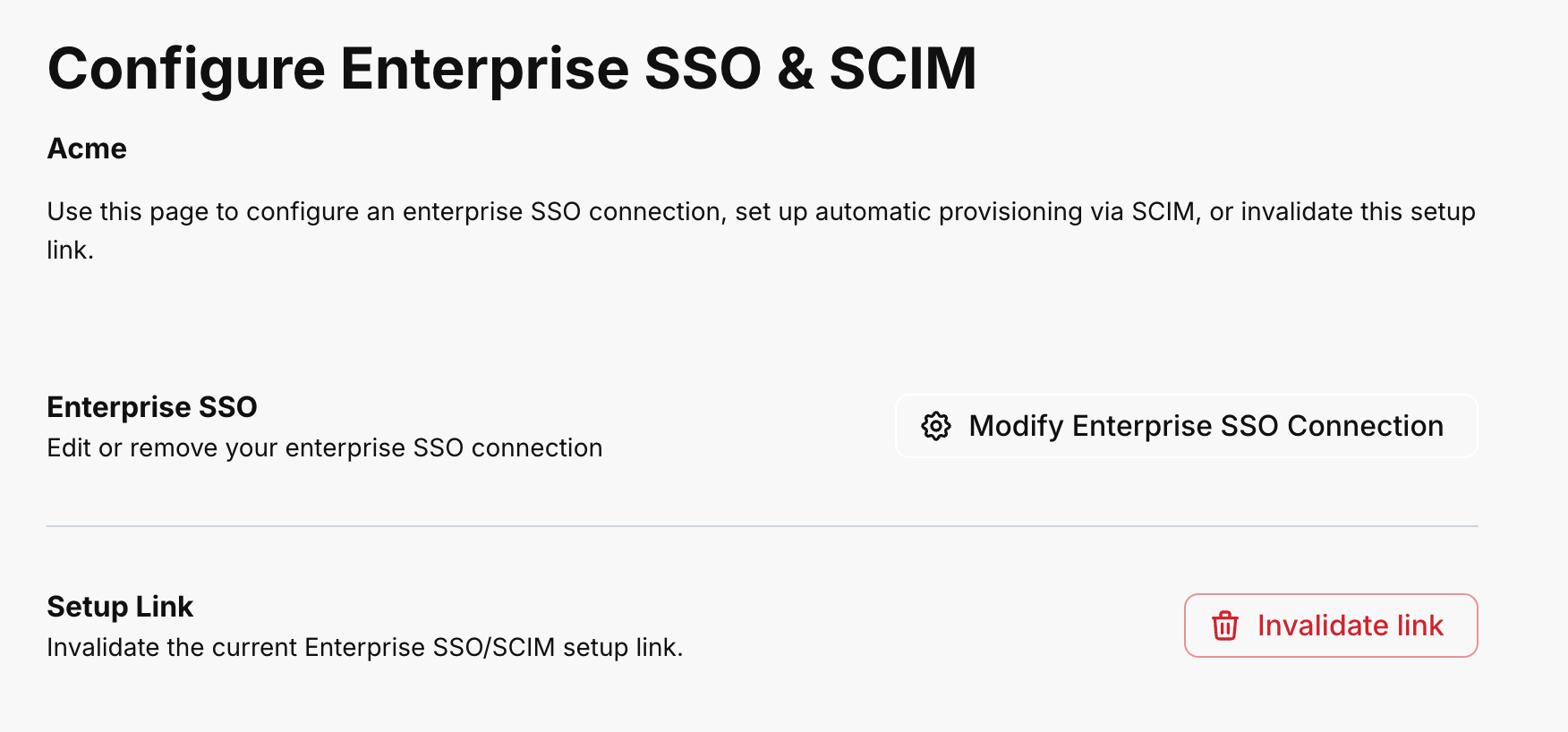
Your customers don't need to wait for you to configure anything on their behalf. PropelAuth provides IdP-specific setup guides in the hosted organization settings UI. Any user with the SAML permission in your app can walk through the setup themselves.
You can also generate a setup link to send to a customer's IT admin. That link doesn't require authentication, so they can complete the SCIM configuration without needing a full account in your product first.
What happens after setup
Once SCIM is connected, PropelAuth automatically syncs with the customer's IdP. New employees get accounts. Role and attribute changes come through. Offboarded employees lose access. Your app stays current without manual intervention from your team.
SCIM and User Properties / Roles
SCIM isn't only about account existence. It can also carry metadata from the IdP into your app.
PropelAuth supports mapping user properties and roles via SAML/SCIM. Any user property configured with the "Collect via SAML/SCIM" setting will be populated from the IdP's attribute values during provisioning. This means a customer's IT admin can control not just who gets provisioned, but what role they get, automatically, based on their IdP group membership.
This is particularly useful for products with role-based access control (RBAC), where different employees should land in different roles based on their department or team.
Frequently Asked Questions
Does SCIM replace SAML? No. They do different things and are typically used together. SAML handles authentication (login) and SCIM handles provisioning (account lifecycle). In PropelAuth, Enterprise SSO via SAML or OIDC must be set up before SCIM can be enabled.
Do I need to build a SCIM endpoint? Not with PropelAuth. PropelAuth manages the SCIM server-side infrastructure. You enable it in the dashboard for your project and the relevant organization, and PropelAuth handles the rest.
Will my existing code break when a customer enables SCIM? No. SCIM-provisioned users behave the same as any other org member. Your existing authorization logic, role checks, and membership queries all continue to work without modification.
What IdPs does PropelAuth support for SCIM? Okta, Microsoft Entra ID, OneLogin, JumpCloud, and any generic SCIM-compatible identity provider. For SSO (without SCIM), PropelAuth also supports Google, Duo, and Rippling.
When should I enable SCIM for my product? Before an enterprise customer asks for it. Enabling SCIM in PropelAuth is a configuration step and doesn't require a code change, so there's no reason to wait until it's blocking a deal.
Summary
SCIM is the protocol enterprise IT teams use to manage user access across their software stack. For B2B SaaS products, supporting SCIM is often what separates passing from failing enterprise security reviews, and winning from losing large deals.
PropelAuth includes SCIM support as part of its enterprise auth suite, built into the same organization model your app already uses. Enabling it requires no code changes, your customers can self-configure through guided setup flows, and it works with all major identity providers.